Standard 1099-NEC / 3 recipients to a page
This is the format where you need to separate each form and place in an envelope.
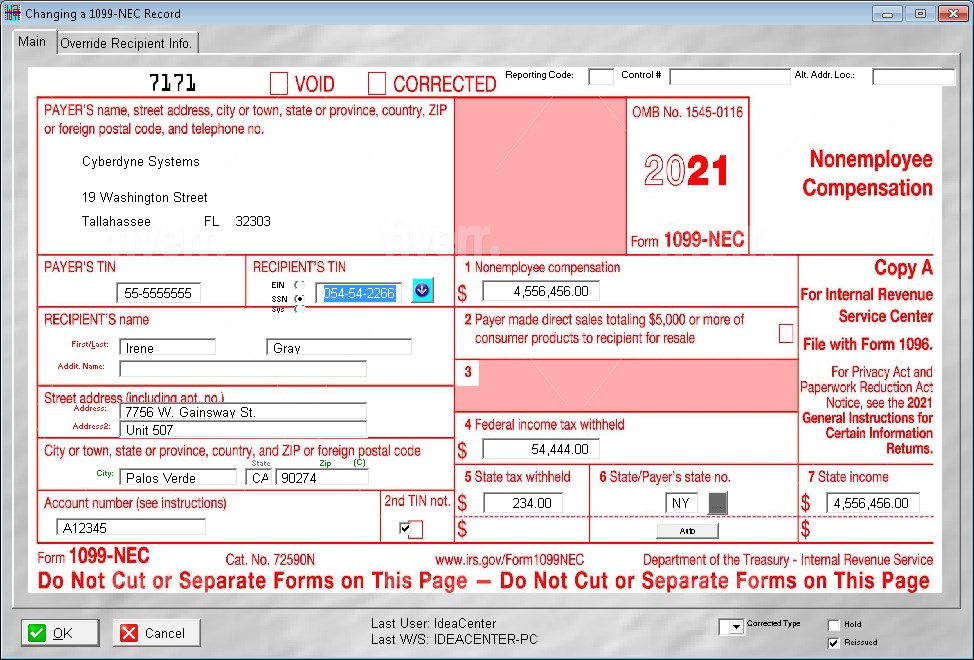
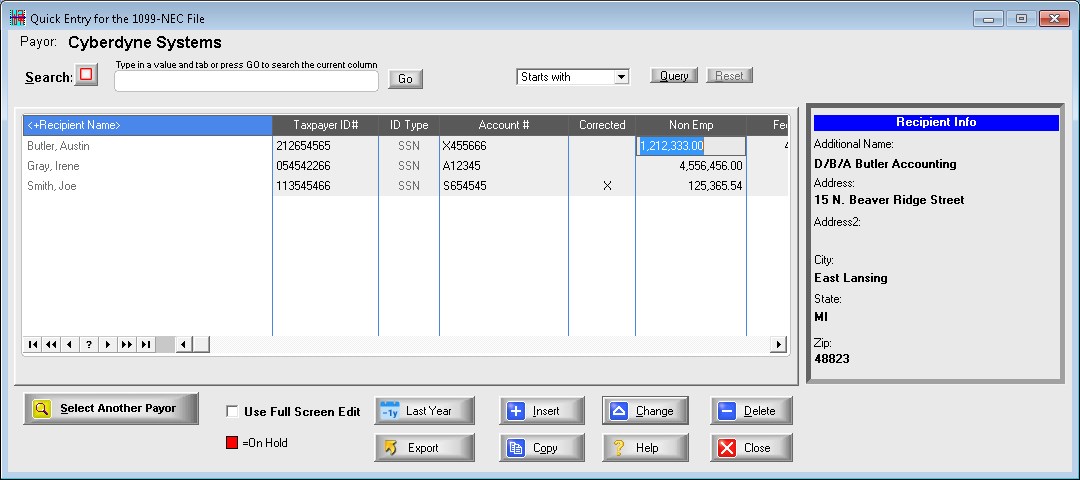
Full lookup is available into the employee/recipient table
If you type in an ID# that doesn't exist, you add the name and address directly on-the-fly from this form
Shortcut keystroke access is available so you don't have to use the mouse if you don't want to
Set system option to skip name and address fields on existing names to speed up data entry
Set system option to directly go to Box 1 (non-employee compensation) after entering the name and address.
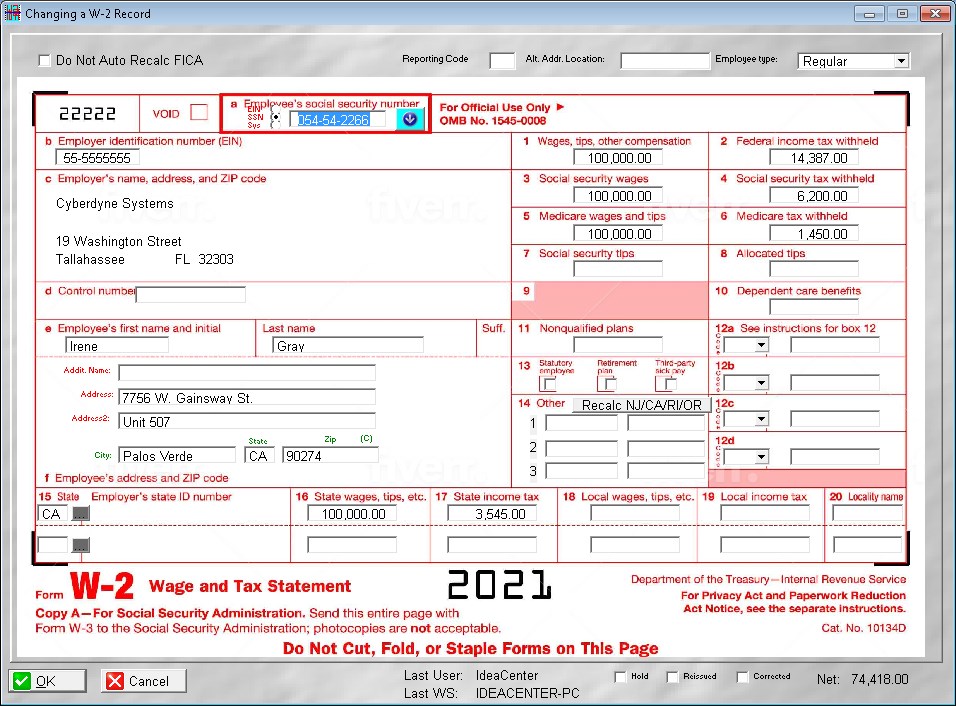
Full lookup is available into the employee/recipient table
If you type in an ID# that doesn't exist, you add the name and address directly on-the-fly from this form
Shortcut keystroke access is available so you don't have to use the mouse if you don't want to
You can set a system option to skip name and address fields on existing names to speed up data entry
SS and Medicare wages and withholding are automatically calculated
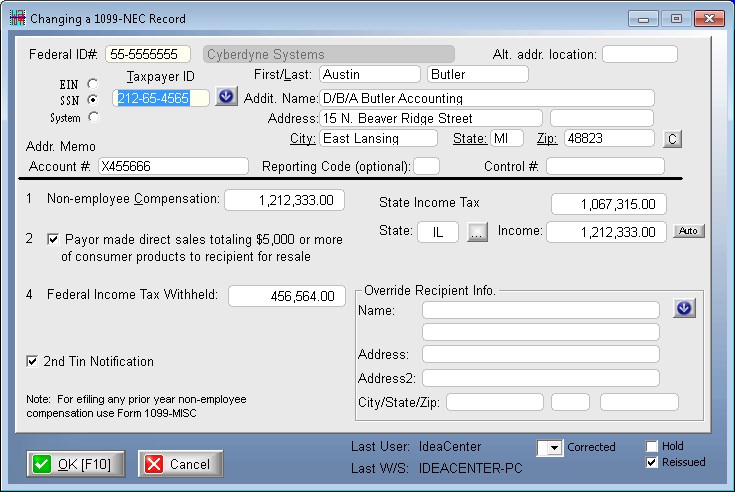
Full lookup is available into the employee/recipient table
If you type in an ID# that doesn't exist, you add the name and address directly on-the-fly from this form
Shortcut keystroke access is available so you don't have to use the mouse if you don't want to
Set system option to skip name and address fields on existing names to speed up data entry
Set system option to directly go to Box 1 (non-employee compensation) after entering the name and address.
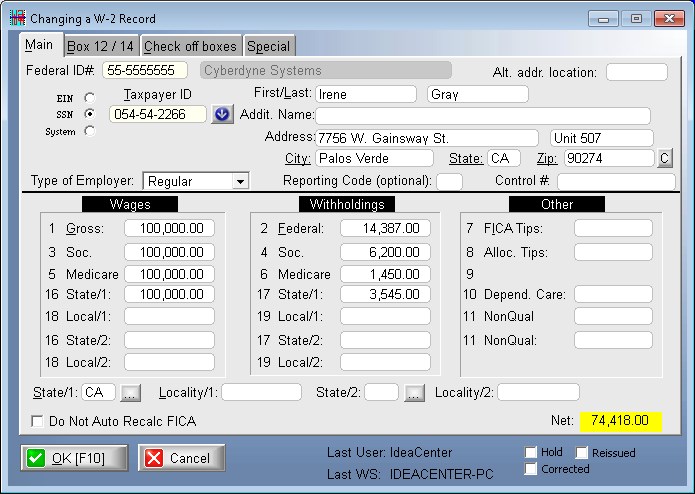
Full lookup is available into the employee/recipient table
If you type in an ID# that doesn't exist, you add the name and address directly on-the-fly from this form
Shortcut keystroke access is available so you don't have to use the mouse if you don't want to
You can set a system option to skip name and address fields on existing names to speed up data entry
You can set a system option to directly go to Box 1 (non-employee compensation) after entering the name and address.
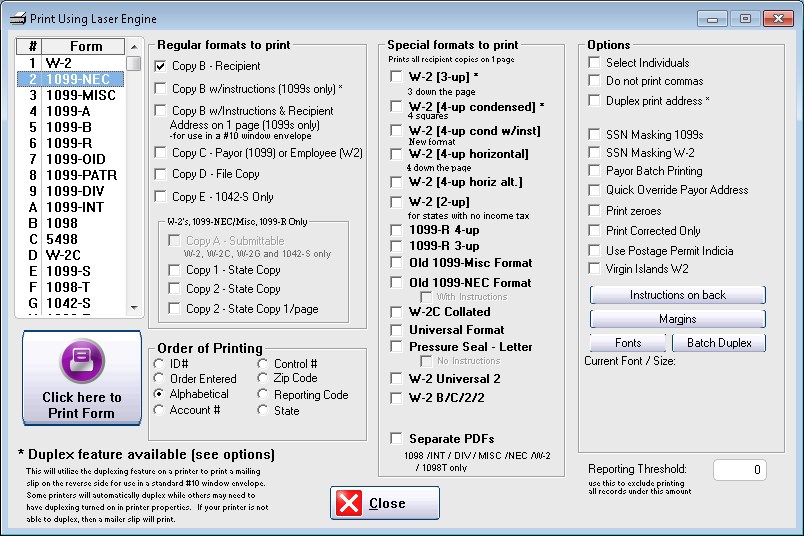
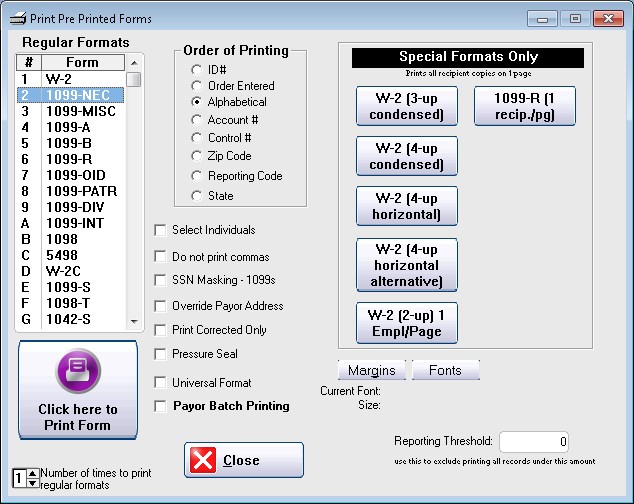
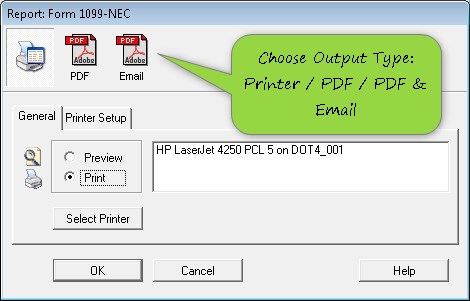
This is the format where you need to separate each form and place in an envelope.
This is a great format to use. All you need to do is fold the paper in 3 and it will fit in a standard #10 double window envelope. You save money by not having to buy those expensive tax envelopes.
You simply fold the paper in half and stuff it into a tall window envelope
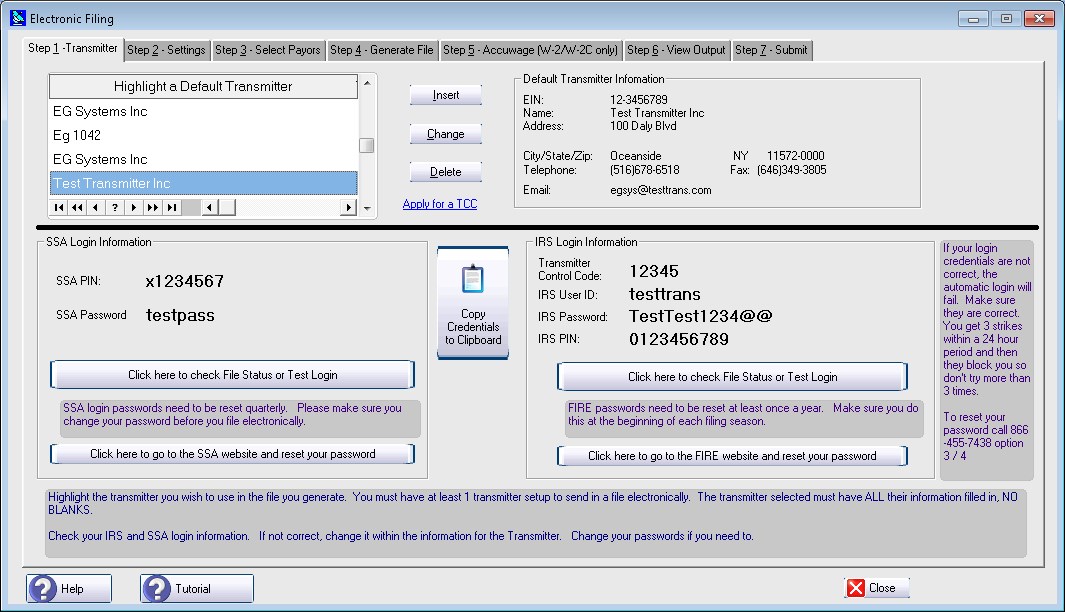
Although you only need 1 transmitter you can setup multiples. You may need a test account or one for 1042S
Login credentials are maintained here for auto login to IRS and SSA
Test login may be done with IRS and SSA to see if your credentials are working
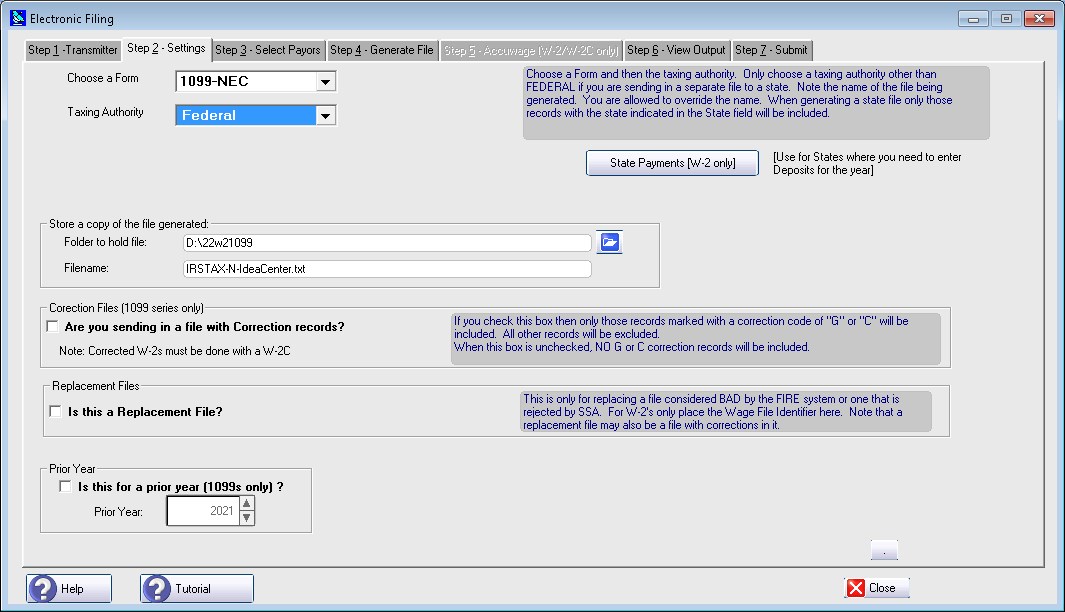
All you need to do is select what form you are filing and the proper Taxing Authority
If sending in a correction file you need to check the box in the middle
Prior year 1099s can be transmitted
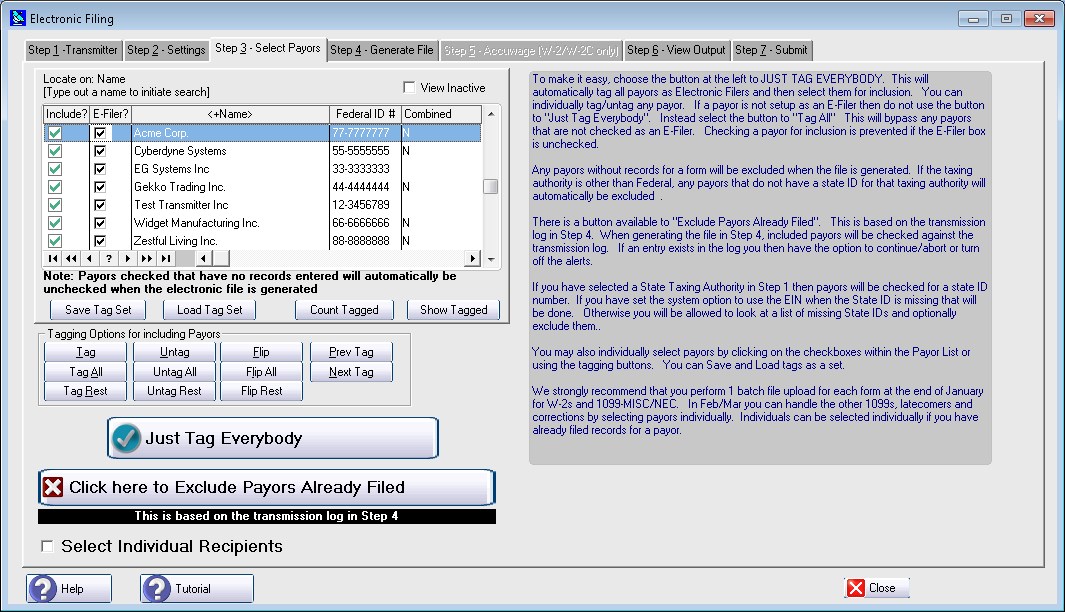
To make it simple, a button is provided to JUST TAG EVERYBODY
You can control the tags individually
Individual recipients can be selected if you have already filed records for a payor
Just select the button to GENERATE FILE
A detailed log is kept of every file generated. The file is on the left with the detail contained in the file on the right
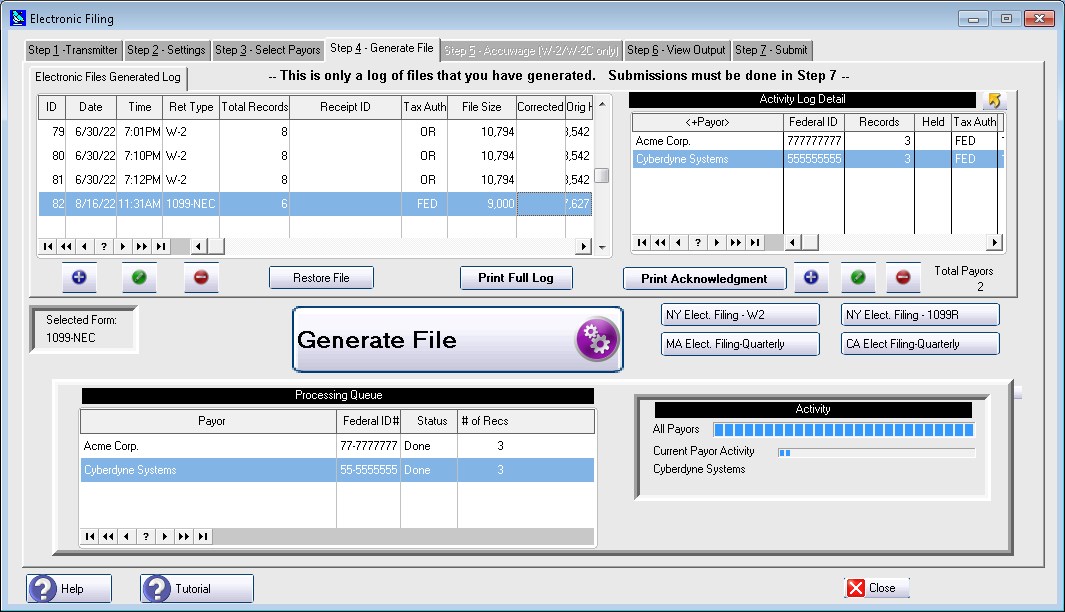
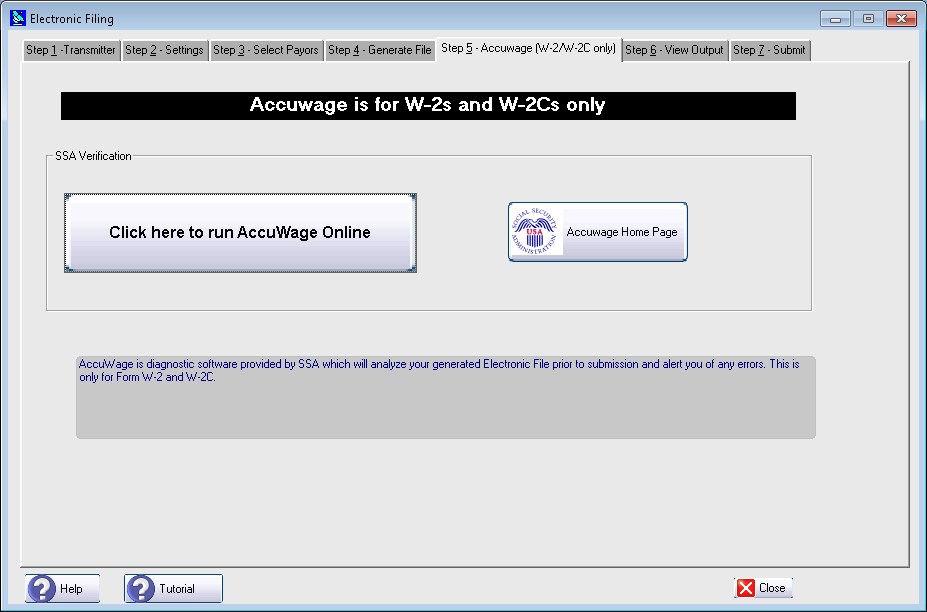
If the file generated is a W2 transmission then you can run it against AccuWage Online
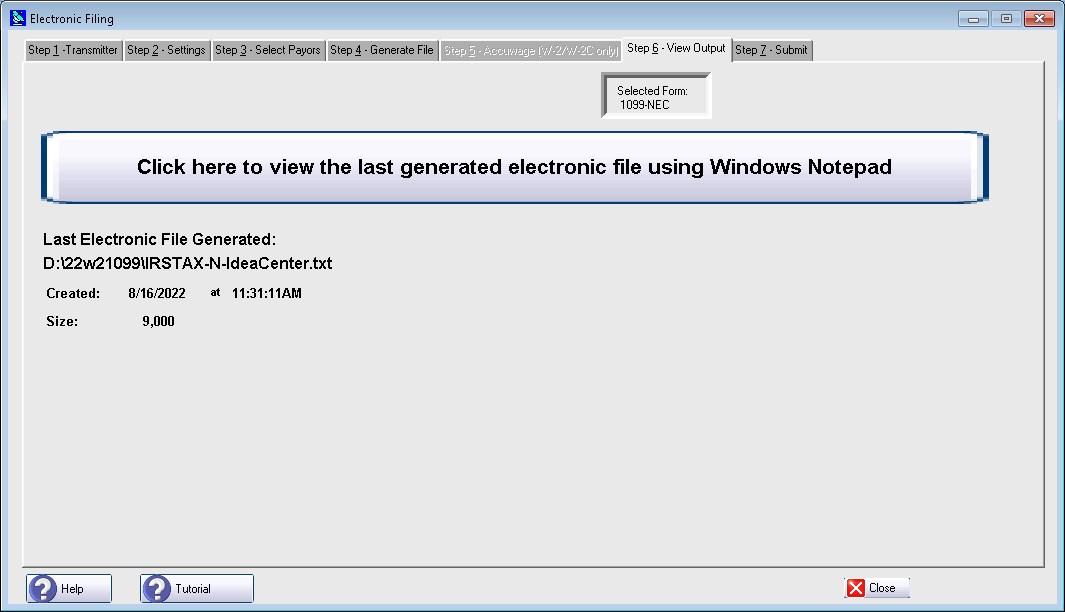
Optionally you can view the contents of the file generated
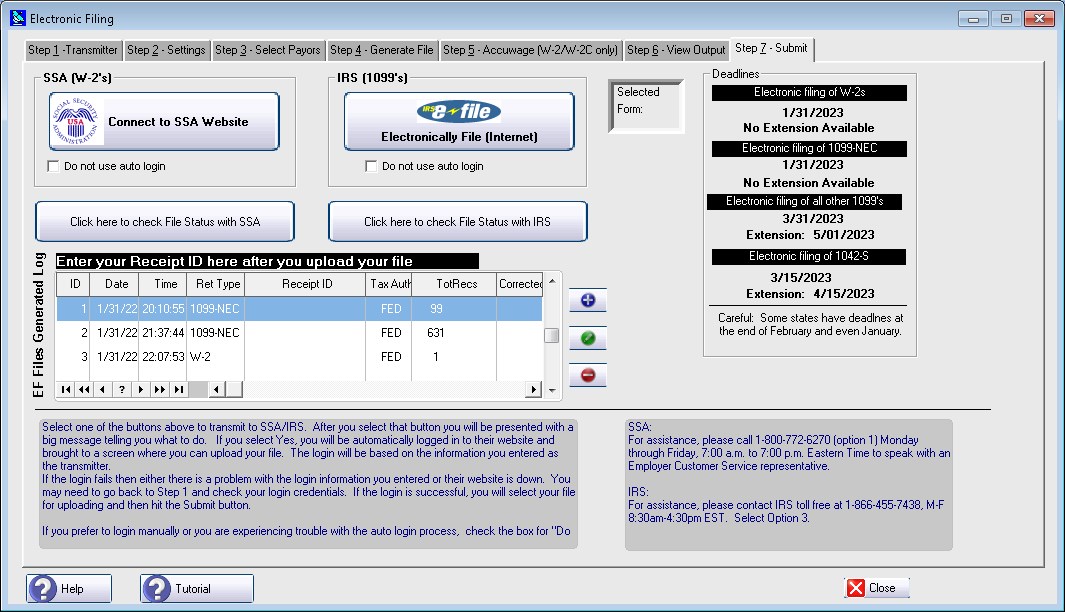
Here is where you upload the file generated
A receipt ID can be entered in the log for tracking purposes
Sample Screens